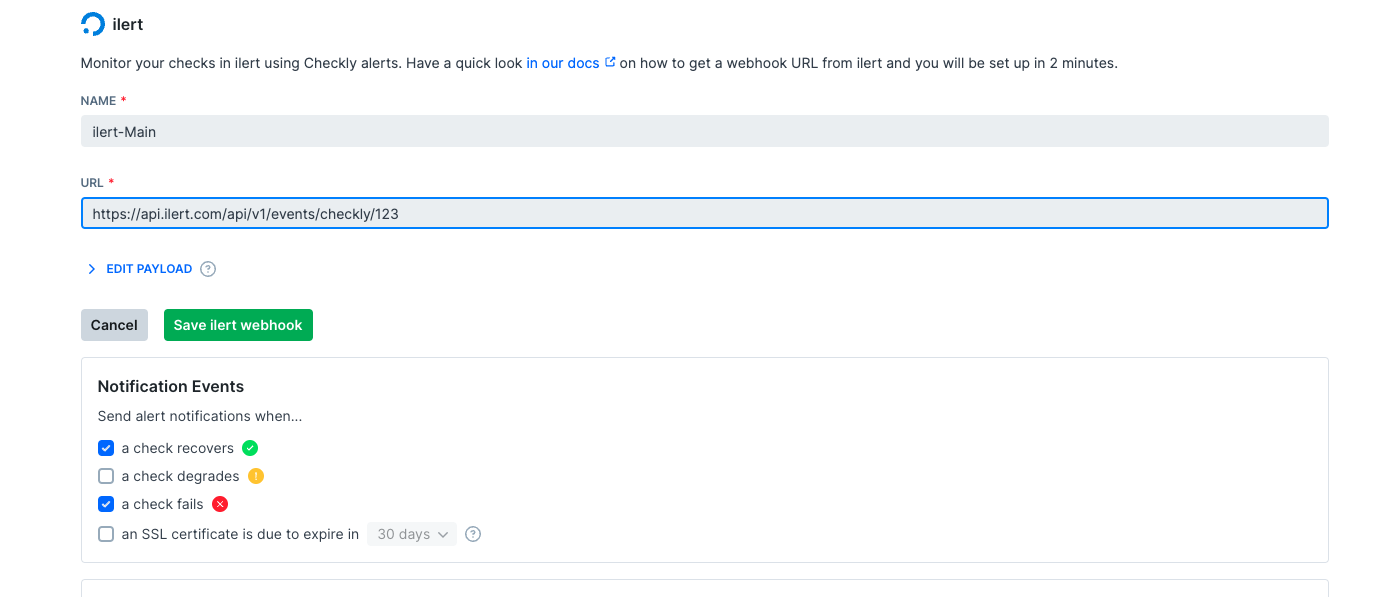
- Log in to ilert and navigate to
Alert sources > Create a new alert source.
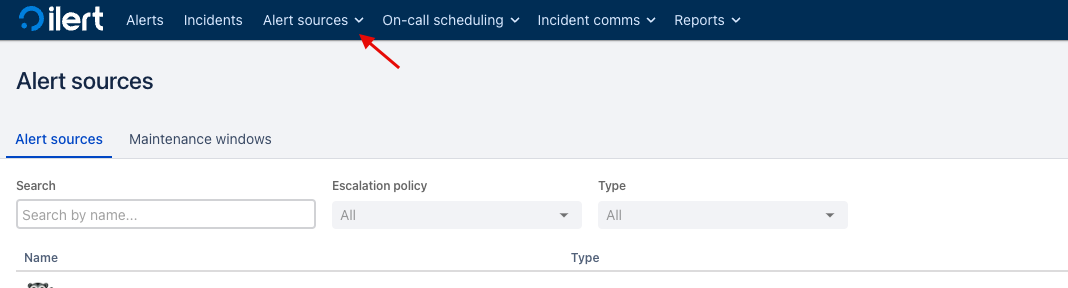
- Next, create a new alert source with Checkly as integration type.
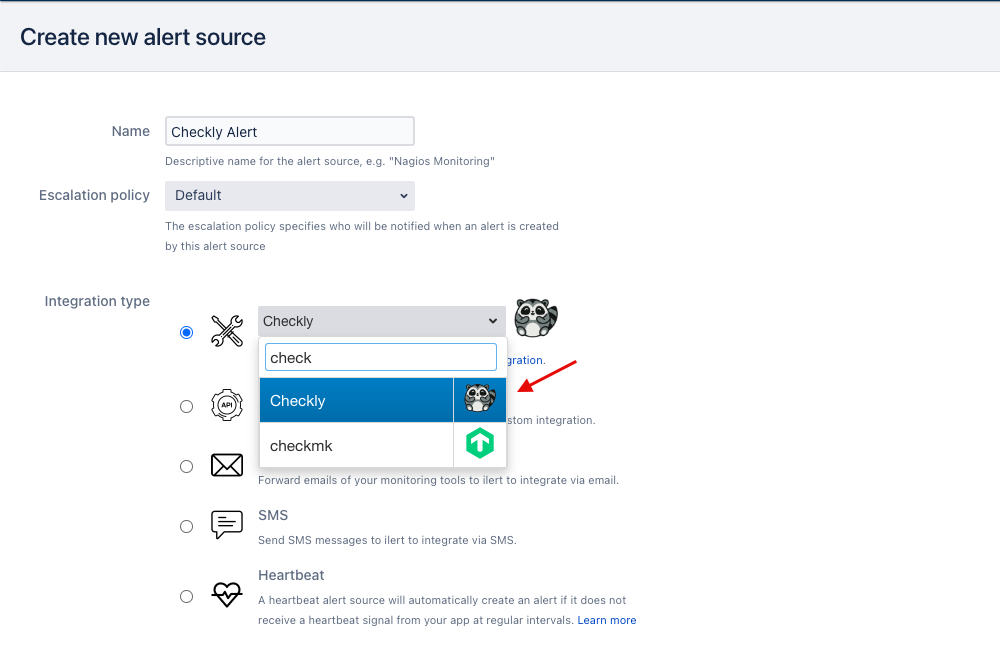
- Copy the generated API key to your clipboard.
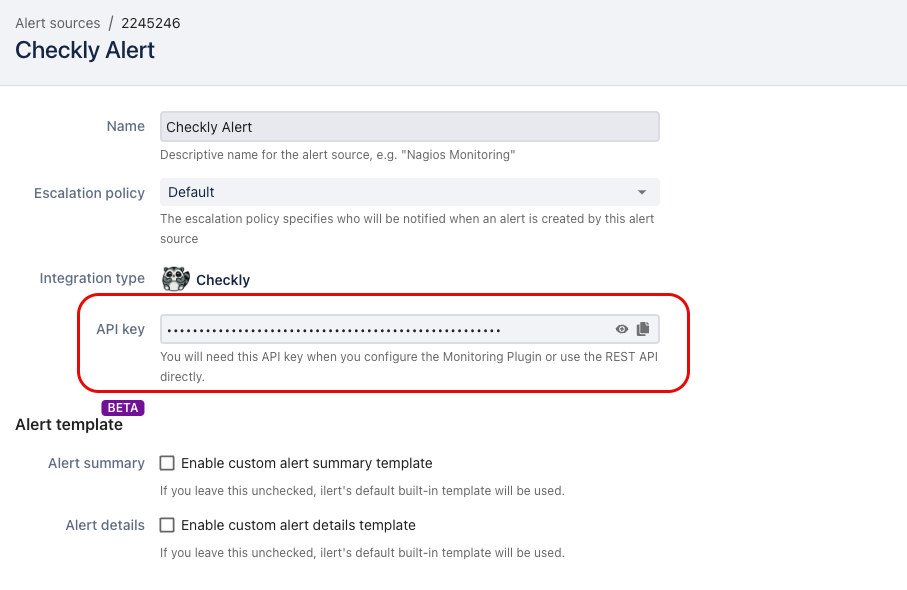
- Log in to Checkly and navigate to
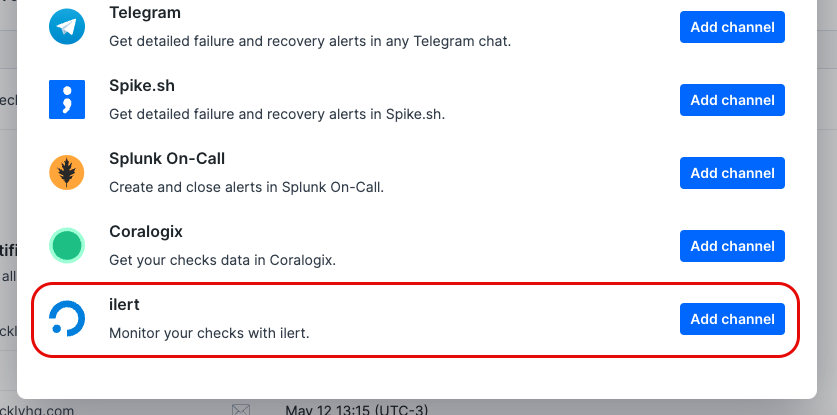
Alert Settings. Click theAdd more channelsbutton, find ilert icon on the list, and clickAdd channel.
- Enter a name of your choosing for the alert channel, together with the ilert URL and your API key (
https://api.ilert.com/api/v1/events/checkly/{api-key}). Make sure that the right checks are subscribing to the channel and that theSend whenrules are correctly set, then hitSave ilert Webhook.